
The Capabilities page at /abilities is the extension entry point. It adds skills, MCP connectors, plugins, and capability bundles to an Agent.
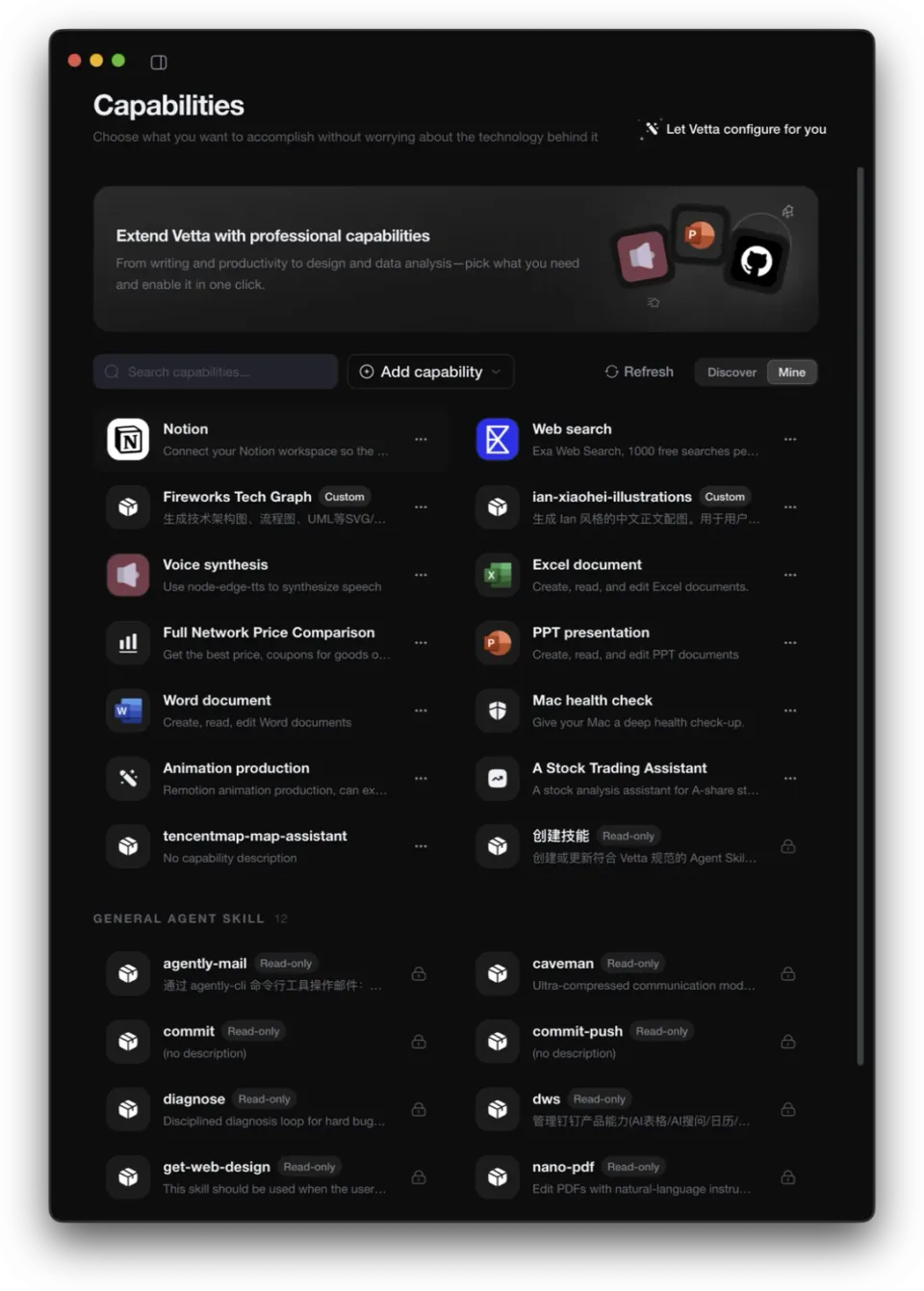
Capability types
| Type | Purpose |
|---|---|
| Skill | Task instructions and workflow prompts |
| MCP | A connection to external tools and data |
| Plugin | An extension to the desktop UI and Agent capabilities |
| Bundle | Several capabilities organized as one installable selection |
Choose by goal
| Goal | Prefer | Why |
|---|---|---|
| Make the Agent follow a stable method | Skill | Guides one task with instructions and a workflow |
| Call an external service or data source | MCP | Provides a structured tool connection |
| Extend the desktop UI, files, or messages | Plugin | Enters the host UI and Agent lifecycle |
| Install coordinated capabilities together | Bundle | Provides one discovery and selection flow |
If you only need an external API, do not start with a desktop plugin. If you only need a stable prompt workflow, you do not need an MCP server.
Discover and manage installed items
- Discover browses capabilities that can be added, including recommended connector groups.
- My capabilities manages installed items: enable, disable, configure, update, and remove.
Search by capability name. Cards show the source, version, and state, such as needs configuration, update available, or enabled.
Add from the marketplace or list
Open details
Select a capability from the Discover list. The drawer shows its description, source, version, and permissions.
Add it
Select Add capability. A bundle lets you choose its members; already-installed members that need no update are not installed twice.
Complete configuration
MCP may require credentials or browser authorization. After a plugin is installed, confirm Enable and permissions and grant each required permission before use.
Verify in a session
Return to a session and confirm that the expected skill, tool, or plugin entry point is available.
Add capability menu
Select Add capability to choose one of these sources:
| Method | Description |
|---|---|
| Import skill archive | Local zip, tar.gz, or tgz |
| Import plugin archive | Local ZIP with plugin.json at its root |
| Add external repository | GitHub owner/repo containing .vetta/marketplace.json; it syncs immediately |
| Add MCP manually | Configure a STDIO or HTTP MCP server |
Import only trusted sources. If an external repository fails to sync, the app may retain its last usable content and show an error.
The Vetta official source (openvetta/vetta-official-marketplace) ships with the app as a built-in source: it is always enabled and cannot be disabled or removed. Sources you add yourself can be disabled or removed at any time.
Management and troubleshooting
- Disable keeps the installation but stops using it.
- Remove uninstalls the local capability.
- Update / reload is for new versions and development debugging.
- If another source already owns the same capability ID, Vetta does not overwrite it automatically; confirm the source in the details view.
- MCP is written to
~/.vetta/agent/mcp.json; skills and plugins are stored under~/.vetta/skillsand~/.vetta/plugins. The installation index is~/.vetta/abilities.json.
For plugin development, read Plugin development. For an external tool service, read MCP connectors.