
Theme modules can replace more than colors: they can provide host components, register pages, fill public regions, and mount theme runtime logic. Use a theme when you need a coherent experience; for colors, dark mode, or sidebar styling, use Settings → Appearance instead.
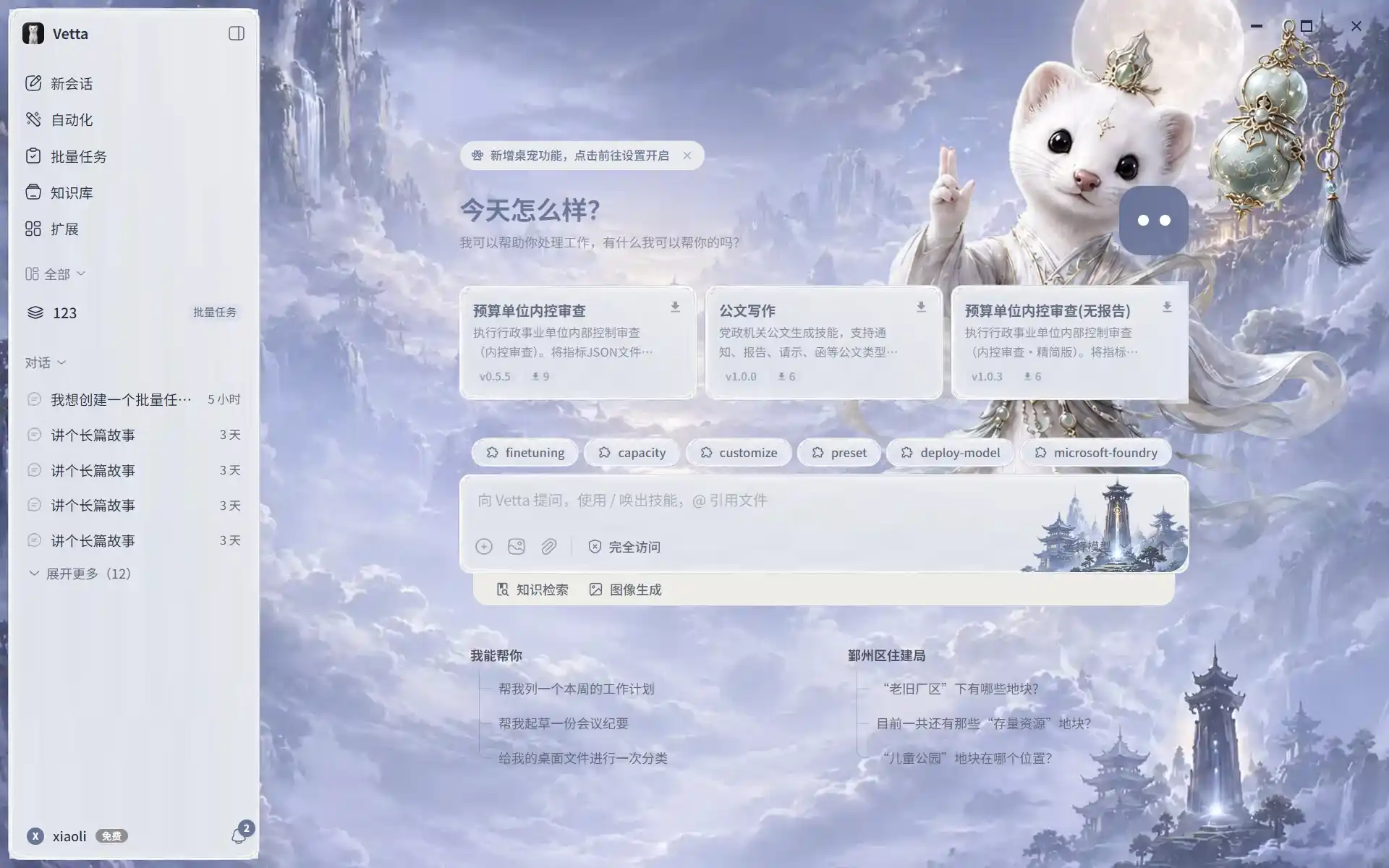
What a theme can provide
appearanceColor tokens and surface appearance.
componentsReplace host component slots that are public to themes.
pagesAdd theme pages with navigation entries.
regionsFill public host regions.
runtimeMount headless logic for the lifetime of an active theme.
Themes load through Module Federation. React, the Theme SDK, and host UI packages are shared singletons. Theme code runs in the desktop renderer and must be treated as trusted code.
Current distribution boundary
The appearance page may be controlled by a feature flag, and only themes bundled with the application can be selected.